 Free guide from the Library
Your business should decide the system. Not the tool.
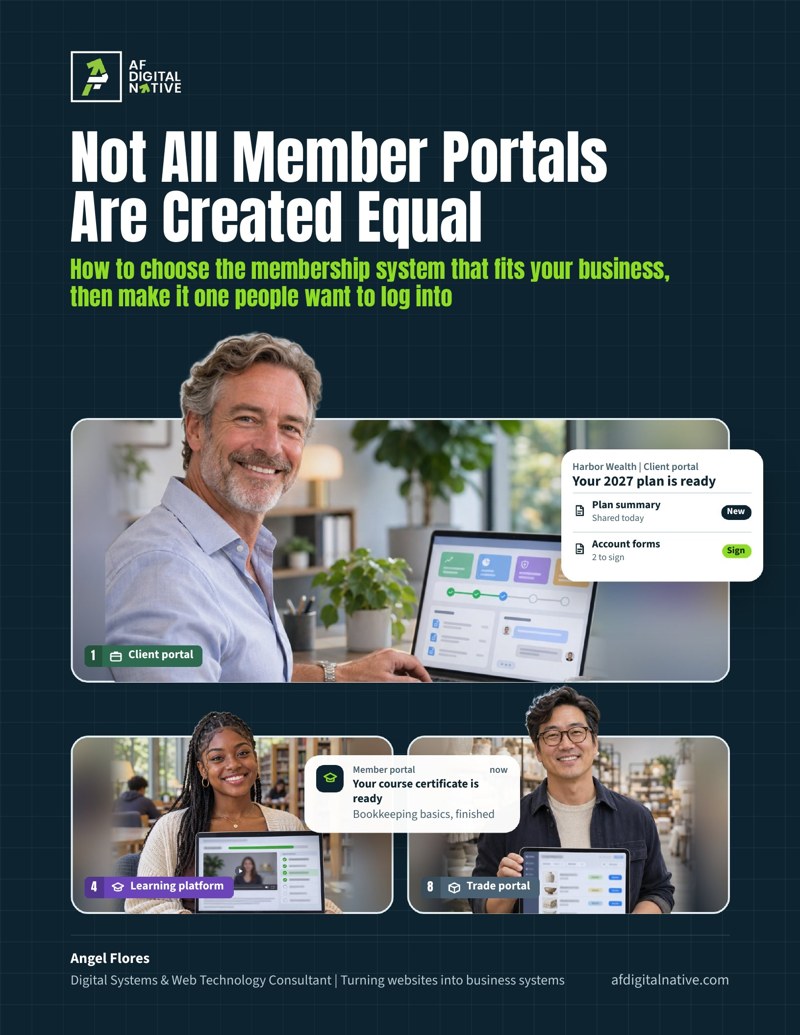
Most portals get picked from a feature list or a friend’s advice, and then the business bends around the tool. Not All Member Portals Are Created Equal shows the eight kinds of member portals and what each one is built around, so you can pick the one built around the way you already work.
- Find the kind of portal your business really needs, starting with a ten-minute “Where to start” box
- Check any system before you buy, with the Fit Check and the questions to ask on every demo
- Make it a portal people want to log into, not one they work around
Works whether you’re choosing your first portal or stuck with one that fights you.
Free. Takes ten seconds.
You gave them a login.
So why do they still email you?
Most businesses buy a portal, expect clients or members to use it, and then keep answering the same questions by email. If any of these sound familiar, the login isn’t the problem.
- Clients email you instead of logging in.
- A spreadsheet runs next to the portal, because the portal can’t hold what you need.
- Every new member needs a workaround to get set up.
- It doesn’t talk to your payments, email or accounting tools, so someone copies everything by hand.
- You picked it from a feature list, and the features you needed most are the ones it handles worst.
- You can’t tell whether to fix the portal you have or start over.
It’s not your fault, and it may not even be a bad tool. It was built around something else. Once you know what your business is built around, the right choice gets much easier.
Show me how to chooseEvery portal is built around one thing. Pick the one built around yours.
When a client asks me which portal to buy, I don’t start with a feature list. I start with one question: what do your members come to do?
A law firm’s clients come to check on their case. A course seller’s students come to finish the next lesson. An association’s members come to renew. Those are different kinds of systems, even when they share the same login screen, and the kind you pick decides what’s easy and what turns into a workaround.
So I took the eight kinds I see most, and the questions I ask my clients, and turned them into a guide you can use on your own.
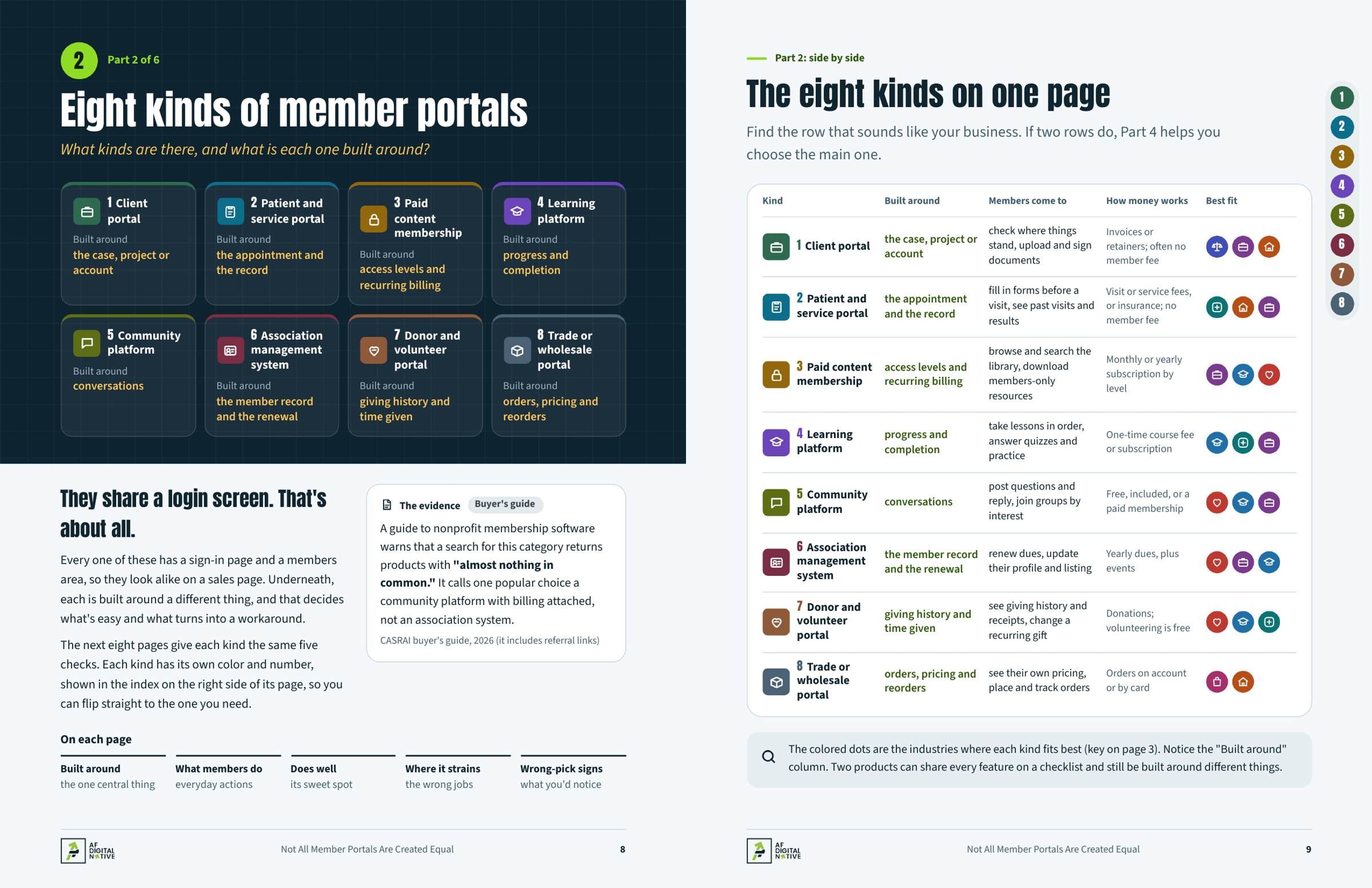
- Kind 1Client portal
- Kind 2Patient and service portal
- Kind 3Paid content membership
- Kind 4Learning platform
- Kind 5Community platform
- Kind 6Association management system
- Kind 7Donor and volunteer portal
- Kind 8Trade or wholesale portal
Here’s everything inside the guide
It isn’t a list of software to compare. It’s the same set of questions I walk through with my clients when they’re choosing a portal or fixing the one they have.
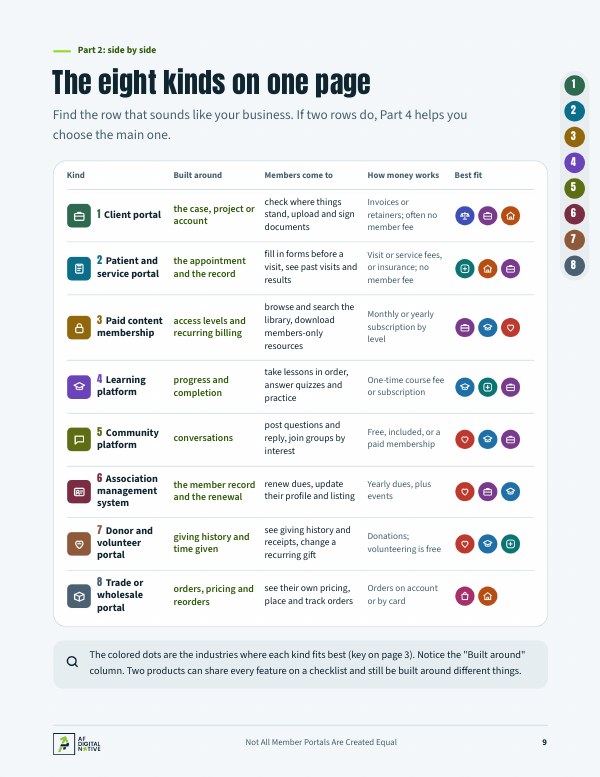
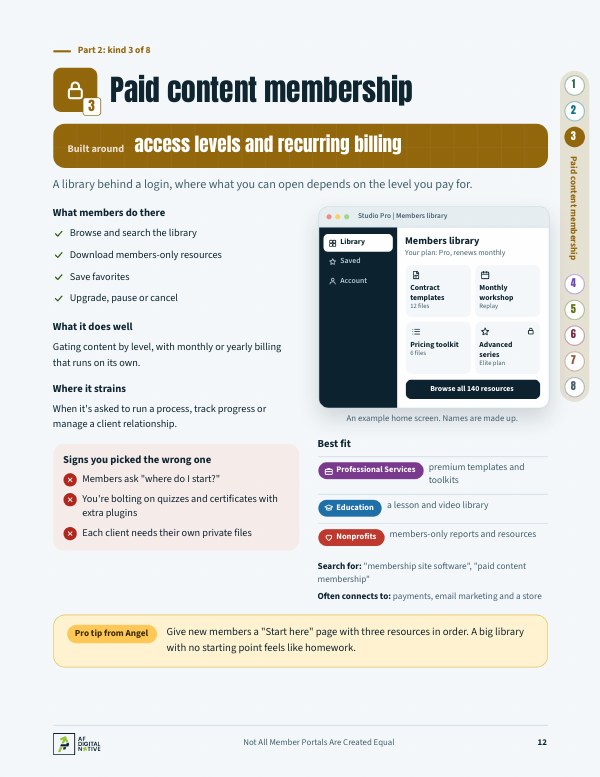
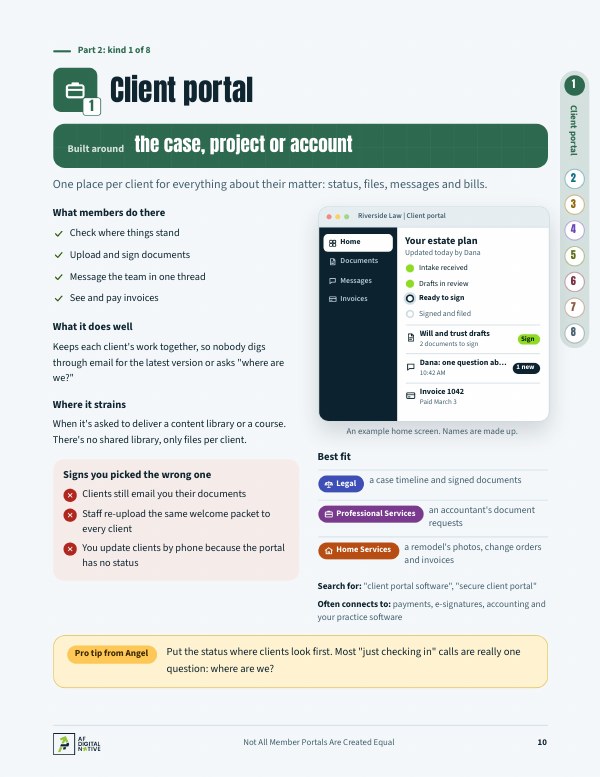
The eight kinds of member portals
Pages 8 to 18One page for each kind: what it’s built around, what members come to do, what it does well, where it strains and the signs you picked the wrong one.
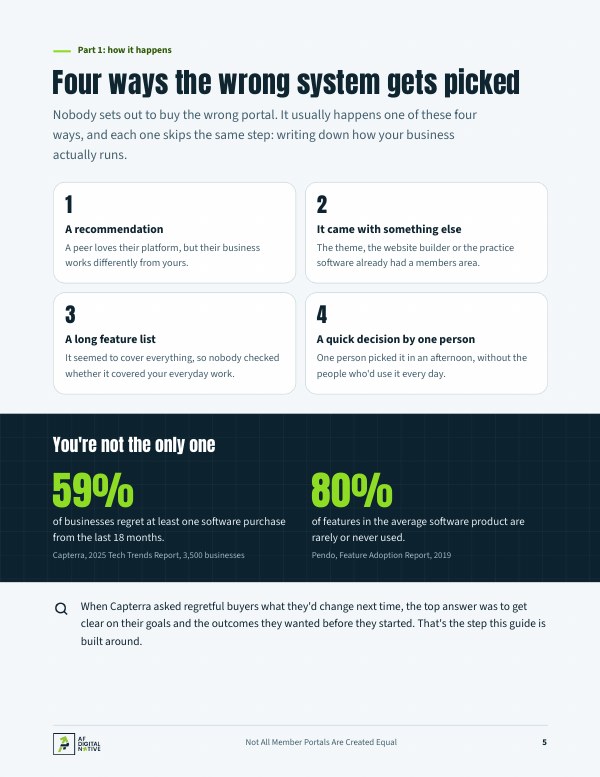
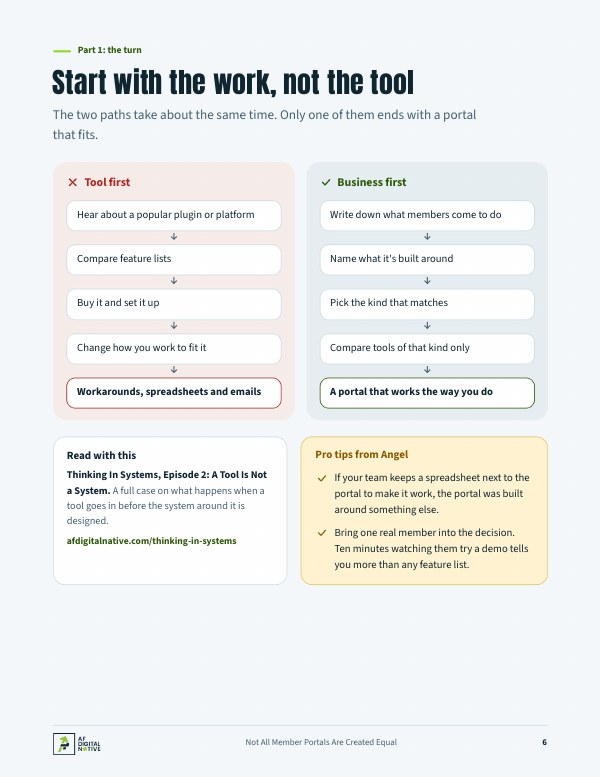
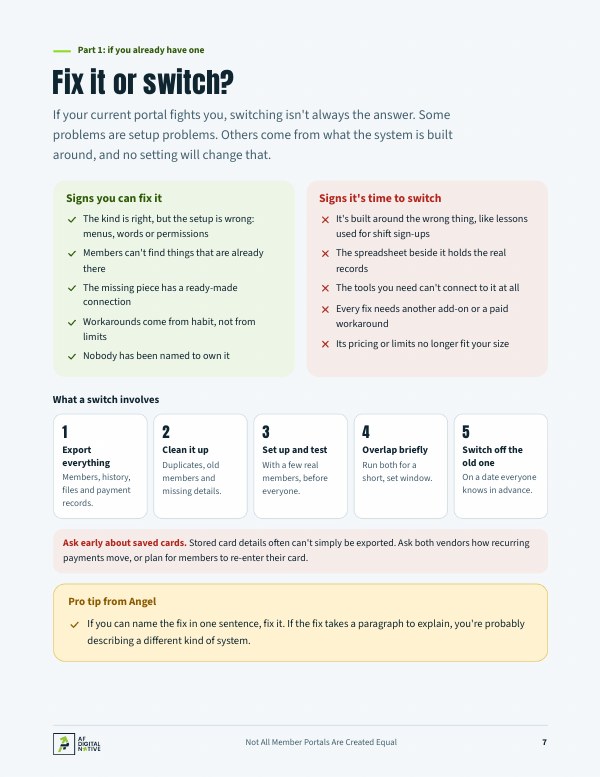
Fix it or switch?
Pages 4 to 7How the wrong system usually gets picked, and how to tell whether the portal you already have can be fixed or needs replacing.
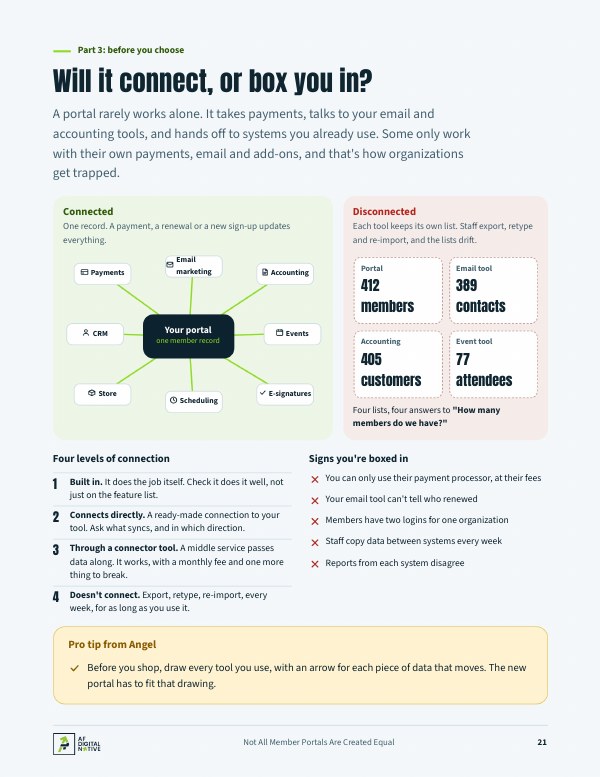
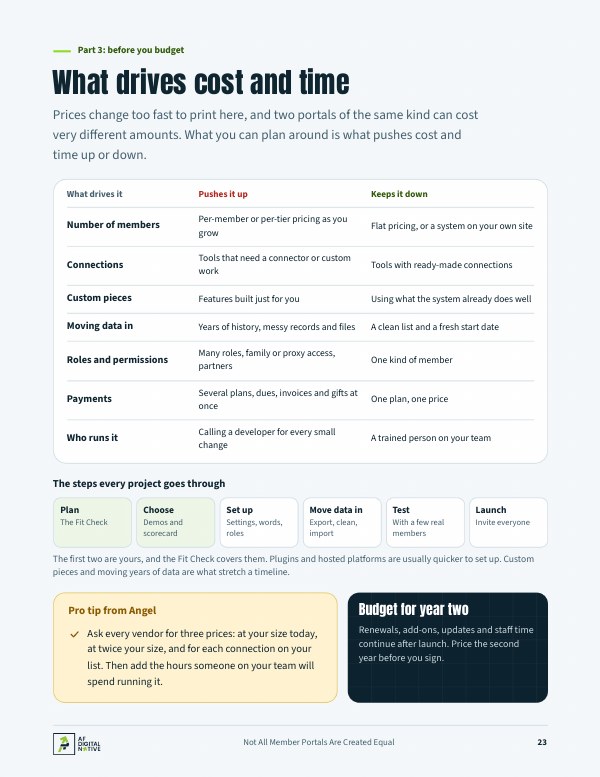
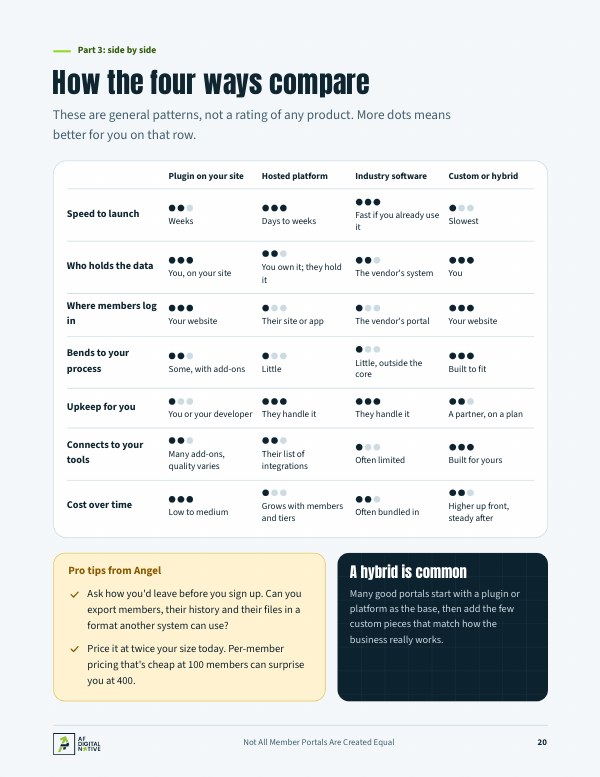
Will it connect, or box you in?
Pages 19 to 23Four ways to get a portal and how they compare, how to tell if a system will connect to your payments, email and accounting tools, and what drives cost and time.
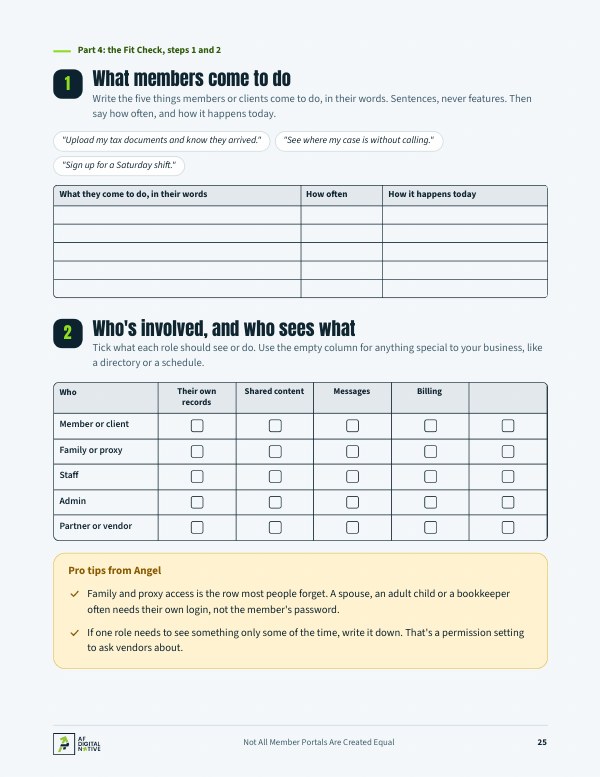
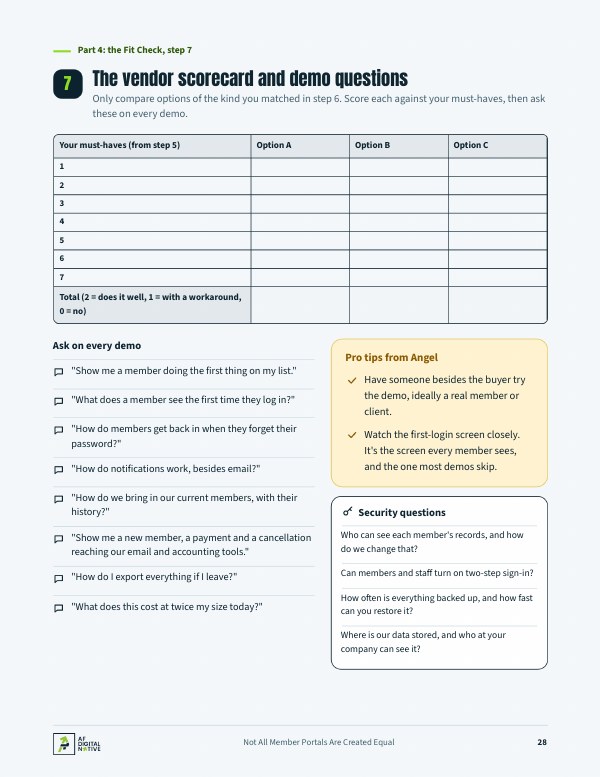
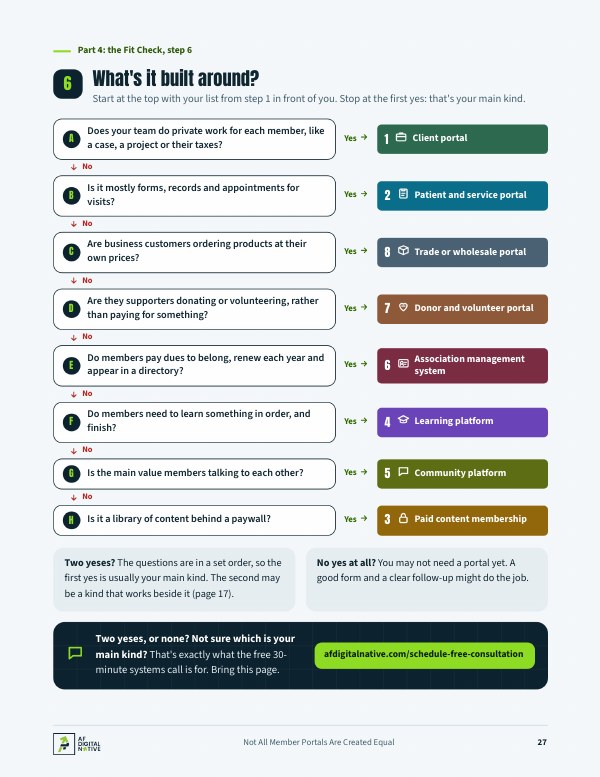
The Fit Check
Pages 24 to 28A seven-step worksheet with a matcher, a vendor scorecard, demo questions and security questions. Print it and fill it in with the people who’ll use the portal every day.
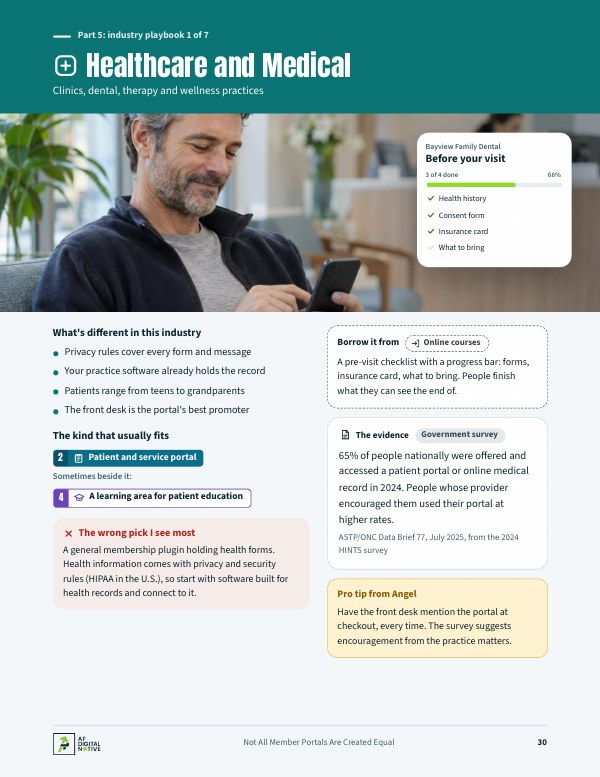
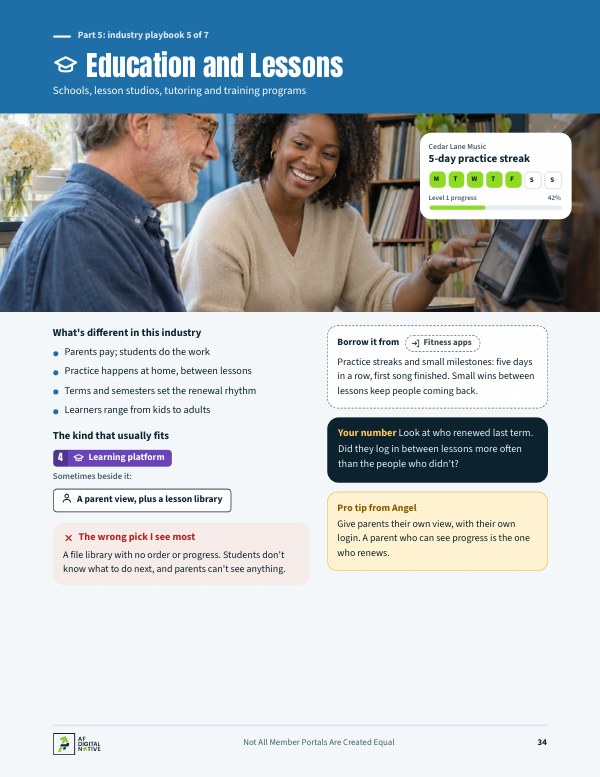
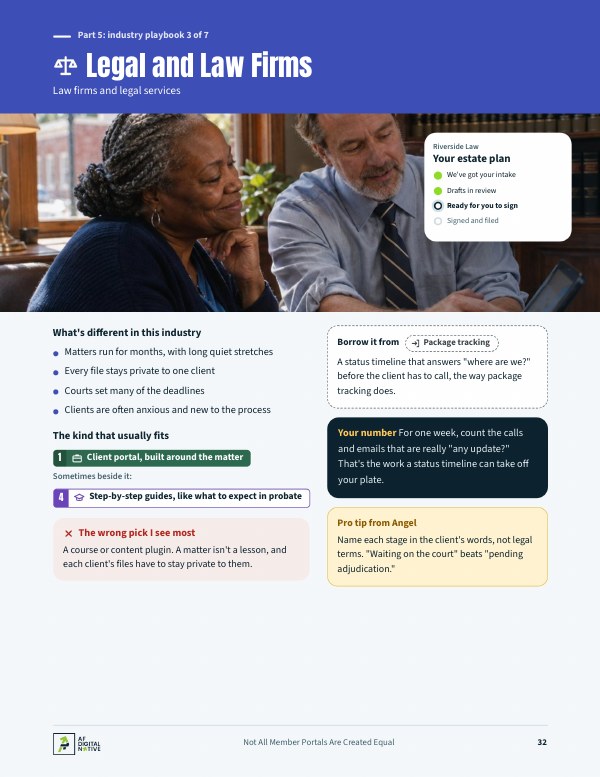
Seven industry playbooks
Pages 29 to 36Healthcare, professional services, legal, home services, education, nonprofits and retail, plus what to borrow from the other industries.
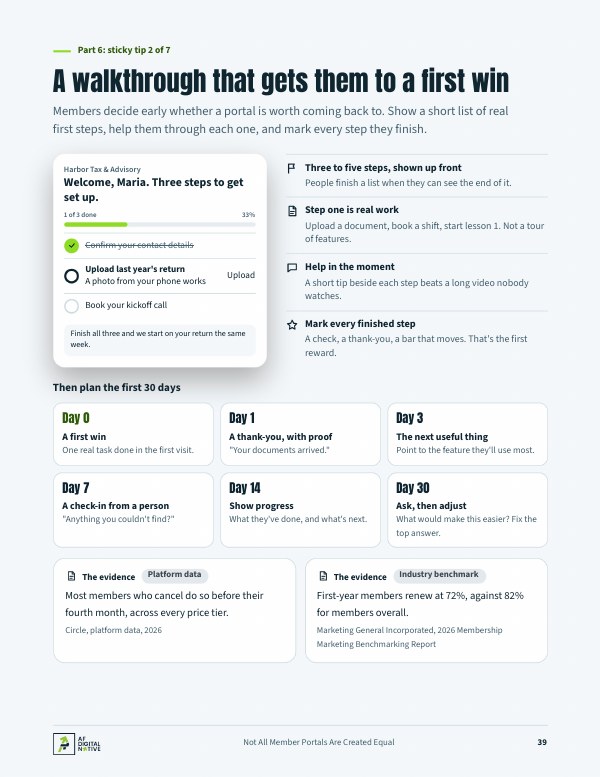
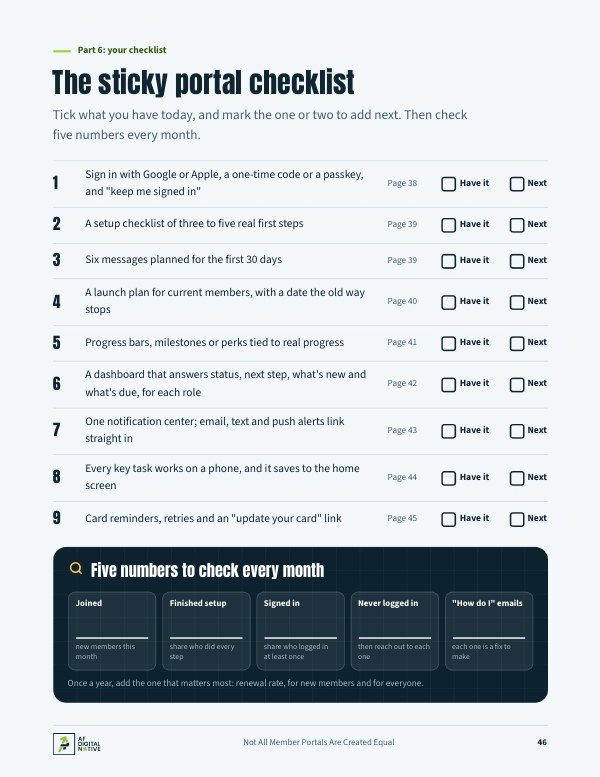
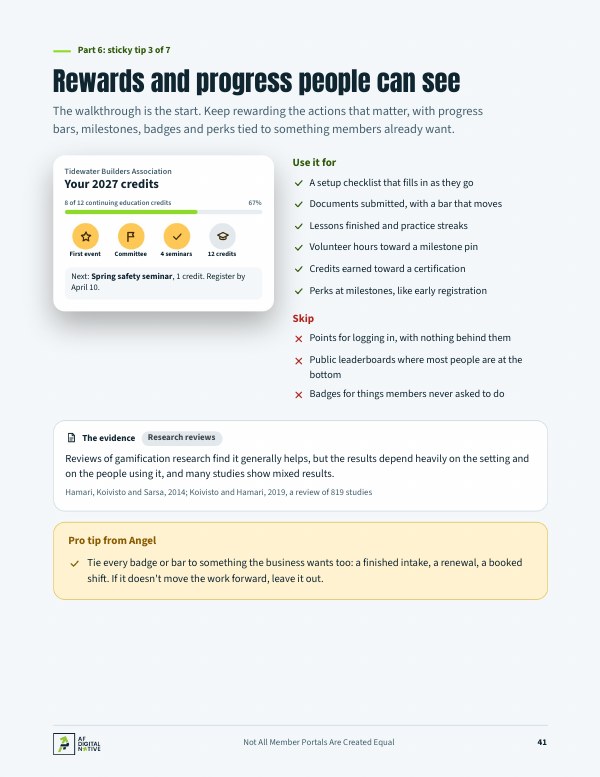
Make it a portal people log into
Pages 37 to 46Seven ways to make it sticky, a launch plan for the members you already have, and a checklist with five numbers to track.
Made for anyone who gives clients or members a login
Client portals, member portals, courses and communities, whether you’re buying your first or replacing one. Each of these industries gets its own playbook:
This is for you if
- You give clients or members a login, or you’re about to buy one
- You want a portal people actually use, not one they work around
- You’d like a way to compare systems before your next demo
This isn’t for you if
- You’re looking for a ranked list of portal software
- You want someone to set it all up for you today. That’s what my free systems call is for.

Who’s behind this?
I’m Angel Flores. I help businesses turn their websites into systems that do real work, like a portal clients log into instead of emailing you.
This guide holds the same questions I walk through with my clients when they’re choosing a portal or deciding whether to replace one. Now you can work through it with your own team.
Angel Flores, Digital Systems and Web Technology Consultant, AF Digital Native
See how I build client and member portalsGet the guide and find the portal your business is built around
Open it to the “Where to start” box on page 2, find the line that sounds like you and jump straight there. If you’re about to buy something, start with the Fit Check in Part 4.
P.S. Skimming? Here’s the short version. Not All Member Portals Are Created Equal shows the eight kinds of member portals, what each one is built around and how to pick the one that fits your business, then how to make it a portal people want to log into. It’s 49 pages and free. Get your copy here.