
 By Angel Flores

On this page7 sections
Ford’s managers first expected that tightening the process and installing new computer systems could trim head count by about 20%. Then they set a far more ambitious goal. The plan that got there started somewhere else. I will tell you how it ended in Chapter 4.
First, I want you to notice what Ford had to do before it could ask the right question. It had to look at how the work really ran. That is what this article is about. Before you buy a tool, draw the job. One page is enough.
I do this before I recommend anything. A tool is easy to buy and hard to undo. A drawing costs a pen and half an hour.
- The way you think the work runs is rarely the way it runs.
- Watch the job first, then draw it. A description leaves things out.
- Circle every wait, retype and handoff. Those are where it breaks.
- Buy the tool last. Ford’s biggest gain came from changing a rule, not from speeding up the old steps.
01The map in your head is wrong
Ask an owner how a booking gets from request to confirmed, and you may get a clean answer. A request comes in. Someone puts it on the calendar. A confirmation goes out. It sounds tidy because it is the version the owner carries in their head.
Now ask the person who does it every day. You may hear a different story.
Erik Hollnagel writes about safety and how work really gets done. His examples come from places such as aviation and air traffic management. He gave the gap between the two stories two names. Work-as-imagined is what people assume about how work should be done. Work-as-done is what actually happens.
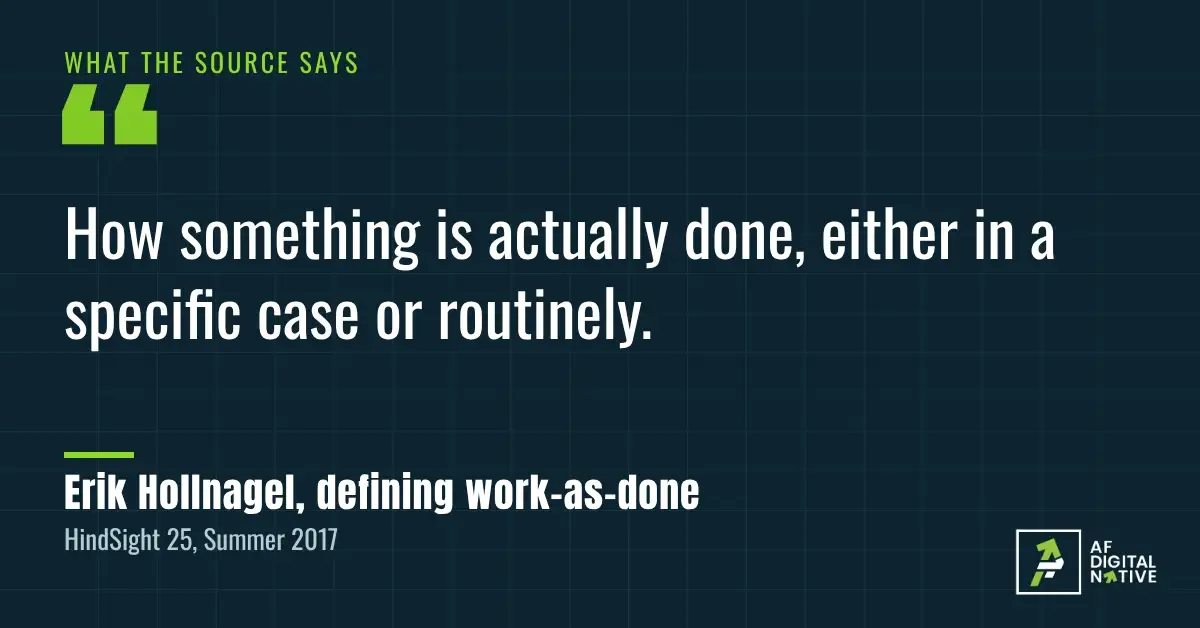
He gives three reasons the two drift apart. Plans are often made by people who are not standing where the work happens. Conditions are never fully known. And work keeps changing, so what really happens is a moving target.
He also points out a habit of mind. Managers tend to treat the written way as correct and real practice as a weaker copy of it. He traces that habit to Taylorism and says it still shows up in modern Lean and quality management.
That matters, because I borrow from Lean in this article. I take his warning seriously. Nobody should draw the written version and call it a map.
Hollnagel’s advice is two-sided. Do not force the real work to match the paper. Do not simply rewrite the paper to match the work either. Treat the gap as information about how the work really goes.
In a small business, the gap is rarely a discipline problem. Usually someone is quietly covering a hole the setup left. They are doing a job nobody wrote down.
Examples of the gap:
- The checklist says "update the calendar." In practice, the time gets typed again from an email.
- The steps say "send the reminder." In practice, whoever remembers does it.
- Someone exports a list as a CSV, then works through a series of steps to prep it for another tool. None of that is written down.
02Rule one, watch the work run
Picture Mark Reich on a Toyota shop floor, standing inside a circle. His bosses, who had learned the practice from Taiichi Ohno, tell him to "stand here and watch the operation." That is the whole instruction. They do not say how long to watch or what to look for.
Reich, now a lean coach with the Lean Enterprise Institute, wrote about it in 2020. He stood and watched alone for a couple of hours. When his mentor came back and asked what he had seen, Reich told him. His mentor answered that he should keep watching.
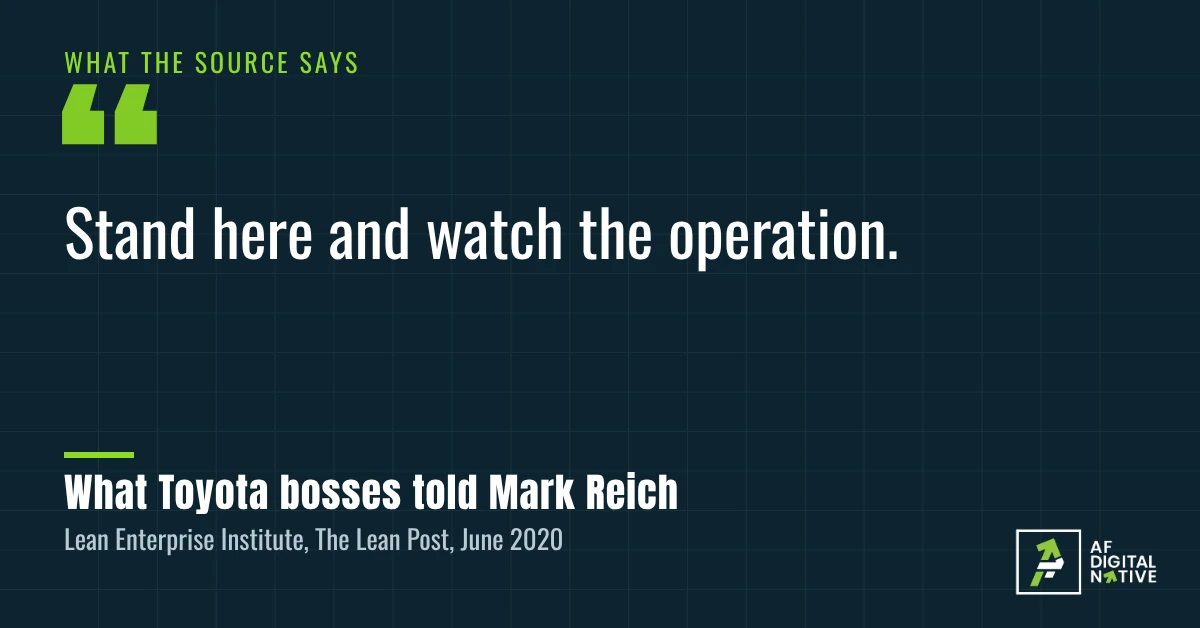
Reich came to see the circle as a way to develop people as much as a way to find waste. Patient, focused watching, he wrote, opens your eyes to the value of the work and to the problems the people doing it face.
I would never ask a small team to stand in a circle for hours. But I keep one lesson from the story. Your first answer to "what do you see?" is usually the description you walked in with. The retype, the wait and the workaround show up on the second look. Keep watching.
So I ask for something smaller. I ask to watch one real case, from start to finish, with the person who does the job. Not a description in a meeting. The job itself.
Mike Rother and John Shook wrote down this kind of looking for the Lean Enterprise Institute in a workbook called Learning to See. It teaches you to map a process from end to end. In the foreword, Jim Womack and Dan Jones warn that isolated wins over waste often fail to improve the whole.
Source: Mike Rother and John Shook, Learning to See, Lean Enterprise Institute. The foreword is available as a PDF from the Institute. I paraphrase it here.
You can see why. Fix one retype in the middle of a job, and the handoff right before it may still drop the ball. The win is real, and the whole job barely moves.
Four things to watch for:
- Someone typing the same thing twice.
- A pause while someone waits for an answer or an approval.
- A question like "where is that file?"
- A step done from memory.
03Rule two, draw it on one page
Picture a small office on a Tuesday morning. This is a made-up scene, not a client. A booking request lands in the front desk inbox. A second copy of it sits in the owner’s inbox. The front desk person finds an opening, types the time onto the calendar, and then types a confirmation from memory. Later in the week, the admin works through the calendar and phones people with reminders. On busy days, that part gets skipped.
Nobody in that office is lazy. Every step is reasonable. The trouble only shows up when you draw it.
Here is the order I use. It is my own method, not a published formula.
- Name the job, start to finish. For example: a booking request comes in, and a confirmed appointment goes out.
- Sit with the person who does it. Let them hold the pen.
- Draw one box per step. Write who does it and which tool they use.
- Draw an arrow wherever work passes to someone else. Handoffs are where things get lost.
- Circle every wait, retype and check.
- Mark where it has broken before. Ask, "What do you do when this goes wrong?" The answer is part of the real process.
Here is what the drawing for that office might look like, written as a table.
Look at the last column. Several of those breaks are about who owns a step, not about software. Two inboxes and a skipped reminder need a decision before they need a tool. You only see that when the whole job is on one page.
04Rule three, buy the tool last
Back to Ford. Michael Hammer told the story in Harvard Business Review in 1990, and it is worth slowing down for.
Here is how the job ran. Purchasing wrote a purchase order and sent a copy to accounts payable. When goods arrived, material control sent a copy of the receiving record to accounts payable too. The vendor sent an invoice. Then a clerk had to match the three documents, checking 14 data items across them, before payment could go out.
Most of the department’s time went to the cases that did not match. A clerk had to investigate each one, hold up payment and generate more paperwork.
Ford’s redesign changed the order of things. Purchasing entered each order into an online database and sent no copies. At the receiving dock, a clerk checked the database. If there was an open order for the goods, the clerk accepted them and recorded the receipt. If there was not, the goods went back. Ford asked vendors to stop sending invoices. The match shrank from 14 items to three, a computer did the matching, and the computer prepared the check.
Underneath all that sat a rule change. The old rule was to pay when the invoice arrived. The new rule was to pay when the goods arrived. Hammer reports that where the new process was installed, head count fell by 75%. He says a conventional program would have yielded about 20%.
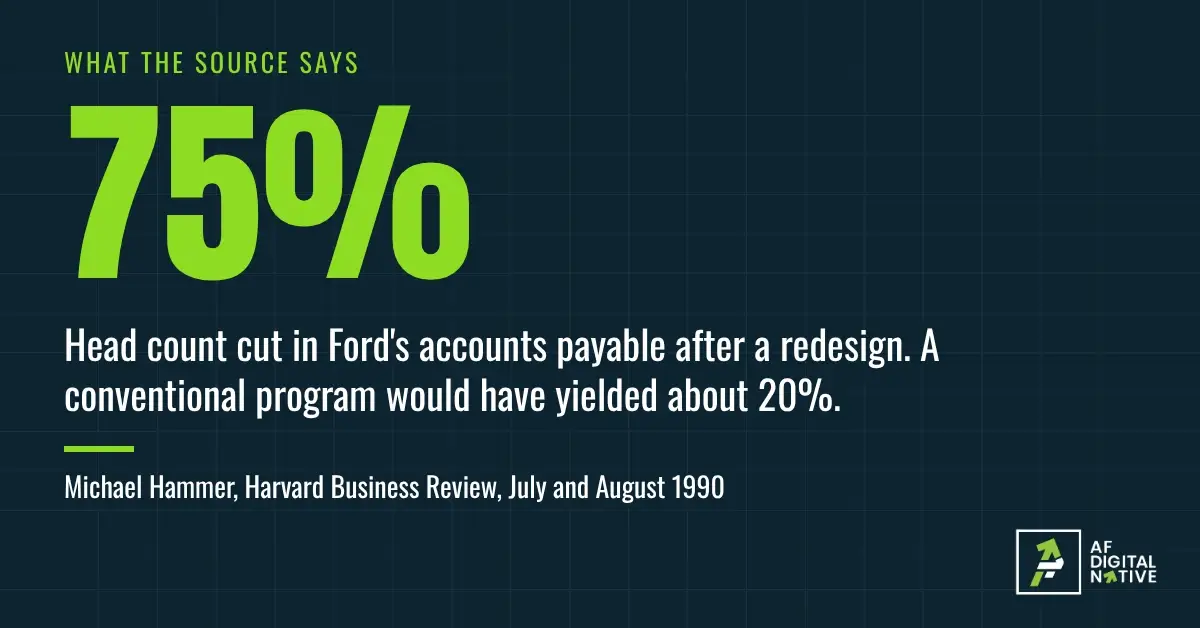
Notice what the story is not. Ford did not simply buy faster software for the old process. The big gain came from asking why the invoice mattered at all. An unwritten rule had shaped the work for years, and nobody could question it until the process was laid out step by step. Hammer’s advice to the teams he describes is to keep asking why. A map is how you earn the right to ask.
Technology still mattered at Ford. It needed that database. The lesson is about order, not about avoiding tools. I also do not take head count as the goal. For a small business, the quieter version of Hammer’s idea is to delete a step.
With your map done, go through it in this order:
- Delete any step that adds nothing.
- Merge steps that retype the same information.
- Give every step an owner.
- Only then ask which tool does the rest.
In the booking office, the tool question might be "one calendar that sends the reminder itself." It would not be "which new tool should we buy?" A tool is not a system explains why that order matters.
Where a map can mislead
- It is a snapshot. One real case shows one version of the job. Watch a second case if the first looked unusual.
- People skip the shortcuts they are not proud of. Say up front that you are mapping the work, not grading the person.
- Some gaps are good. Hollnagel’s point applies here. If a shortcut works, keep it and write it down.
- It costs time. A job that comes up once a quarter may not be worth a map. Find the one job worth turning into a system helps you choose.
- Stories are one person’s account. Hammer wrote to make a case, and Reich describes his own experience. I use them to show an idea, not to promise your result.
I also offer a Systems Assessment, which starts with a map. Weigh my view with that in mind.
Your five questions
If you cannot answer the first two, you are not ready to pick a tool.