 By Angel Flores

On this page6 sections
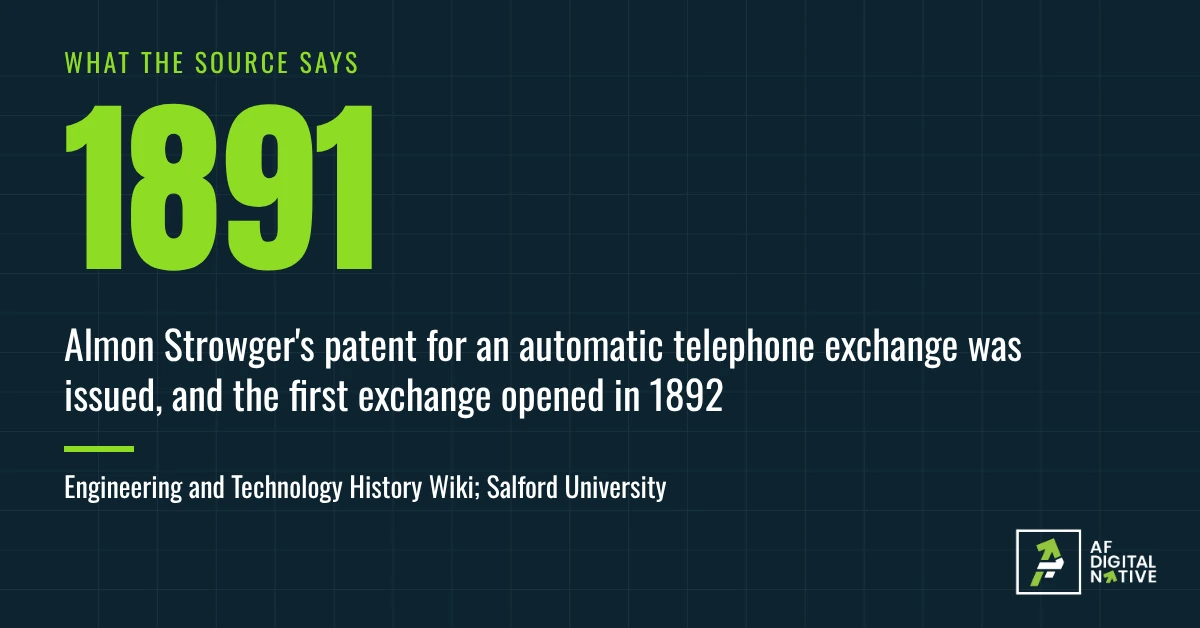
Parts of that story are called a legend, and the telephone historian Tom Farley writes that he can confirm none of its versions. I use it for the pattern. The operator was a person in the middle of a workflow, taking a request and routing it. Strowger did not train the operator to work faster. He took the rule the operator followed, connect this caller to the number they asked for, and built it into a machine.
Automation is not a robot. It is a rule you wrote down, running without you.
In the last two articles you defined a workflow and built one. This article is about what happens when you let it run itself. By the end you will know what automation is, how it works, what it is not, and why a written workflow should be doing more of the running.
- Automation is your workflow running itself. It is not a product you buy.
- Every automation has three parts: a trigger, a condition and an action. When this happens, if that is true, do this.
- Most of what people fear or expect from automation is a myth. Five of them are below.
- For each step you repeat, ask: does a person do this only because nobody wrote the rule?
01What automation is
A workflow is the path work takes. Automation is what happens when the path runs itself.
If a person has to remember to start the work and push it forward at every step, you have a workflow. If something starts it and moves it, and a person steps in only where judgment is needed, you have an automated one. Same path, same steps, same owner. The difference is who or what does the pushing.
You cannot automate a job you have not written down. An automation is a workflow with the memory taken out of it.
A few examples. These are mine, not documented cases.
- A signed order form arrives, and the customer account is created.
- An invoice goes out on the first of every month.
- A new lead is assigned to the right person by region the moment the form is submitted.
- A support ticket with no reply after 24 hours is sent to a manager.
- A long ticket is summarized by AI, and the summary waits for a person to review it.
The first four use no AI at all. The fifth does. Automation follows a rule you set, and AI can be one step inside it. AI agents, and how they differ from automations draws that line carefully.
Think about your own week. Somebody copies a signed order into the billing system. Somebody checks whether a ticket has been answered. Nobody decided that a person should do those things. It happened once, and then it kept happening. So the question is not whether a machine can do the work. It is whether a person is doing it only because nobody wrote the rule.
02How it works
Every automation can be said in that one sentence. For the setup job: when a signed order form arrives, if the billing contact is filled in, then create the account and send the welcome message. Otherwise, the rule sends a request to the customer and tells customer success.
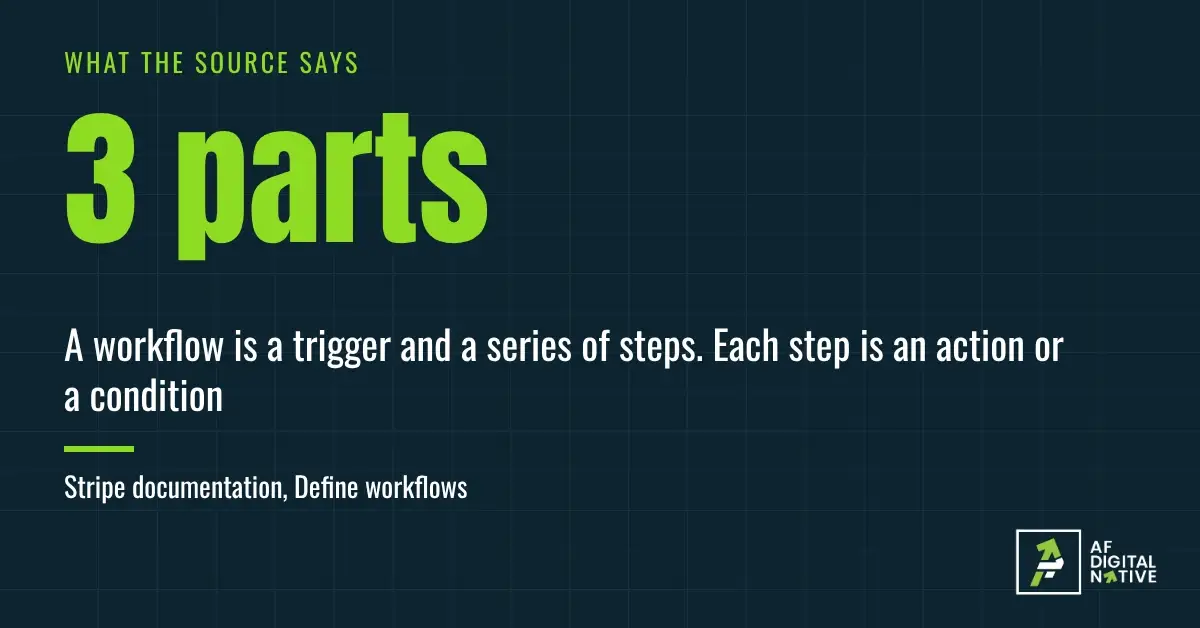
That is three parts. The trigger starts it: an order form arrives, a date comes up, a ticket sits unanswered. The condition checks it: is the billing contact filled in, is the amount over the limit. The action does the work: create the account, send the message, assign the lead. Stripe’s documentation describes its workflows this way, as a trigger followed by steps that are each an action or a condition, and IFTTT does too.
If you did the work in Article 2, you already have all three, with different labels. Check your one-page template.
| On your template | In the automation | Example: new customer setup |
|---|---|---|
| Starts when | The trigger | A signed order form arrives |
| Steps | The actions | Create the account. Send the welcome message. |
| Exceptions | The conditions | Billing contact missing: ask the customer |
| Owner | Who is told when it fails | Customer success |
That last row is the one people skip. An automation needs a person it can turn to when the rule does not fit. The owner on your template is that person.
Now try the sentence for a job of yours. If you can finish it, you have the rule. If you cannot, the gap shows what the workflow is missing.
Under the sentence there is one more layer you do not see. For an action to happen in a second tool, the tools have to pass information to each other, such as the customer’s name or the order total. Those connections are the plumbing, and a good deal of the build time goes there. It is also why I treat this as a system and not a feature: the rule, the connections and the owner all have to exist.
03Five myths
These are the five I hear most often. Each one is a belief that sounds reasonable and costs money when it is wrong.
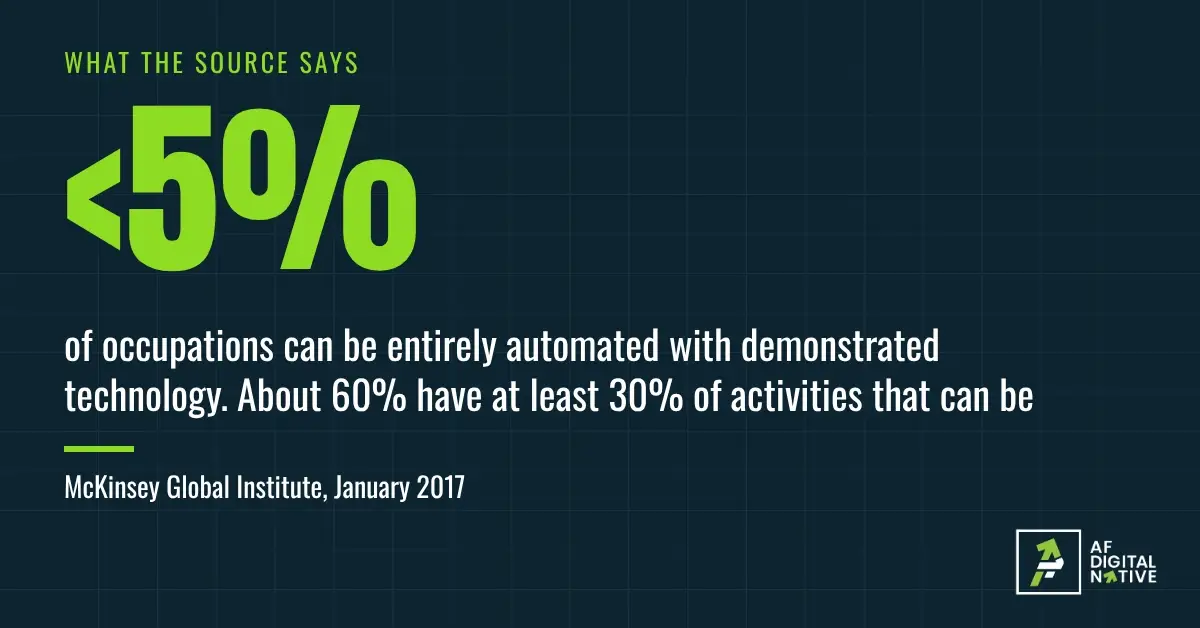
"It replaces people." This is the fear, and the research is more modest than the headlines. The McKinsey Global Institute found that fewer than 5 percent of occupations can be entirely automated with technology already demonstrated, while about 60 percent have at least 30 percent of their activities that could be. Its conclusion: "more occupations will change than will be automated away." That is technical potential from 2017, not what companies have done. Steps do get taken over, and in my work it is the repeated ones that go first. The person moves to the part that needed a person.
"It is AI." Most of the automations I build use none. A rule that sends an invoice on the first of the month does not need a model. When AI does appear, it is one step in the path, and it should have an exit to a person when it is unsure.
"It is something you buy." A tool can run an automation. It cannot decide what the automation should do, in what order, or who owns it. Buy the tool before you have the rule and you get the confusion running faster. A tool is not a system goes through why.
"Set it and forget it." Automations break. A field gets renamed, a tool changes how it connects, a policy changes and nobody updates the rule. An automation with no owner is a surprise that has not happened yet. Keeping automations running is the subject of the later articles in this series.
"It fixes a broken process." It does the opposite. It makes a broken process break faster, and further from view. If the manual version has no owner, no finish line or no exception path, the automated version will have none either.
There is a sixth you will hear, "automate everything," and it fails for a different reason: not every step should be handed over. What to automate, and what to keep is the whole article on that.
04Why a business should
You already have the question: does a person do this only because nobody wrote the rule? This is what the answer is worth. When a written workflow starts running itself, a business gets five things, and each one is something you can feel.
- It does the same thing every time. The rule does not forget, rush or reinterpret. The result you wrote on your template is the result you get.
- It starts when the trigger fires. Not when someone notices. The signed order form is acted on in minutes, not at the next check of the inbox.
- It works when people do not. Nights, weekends, vacations and sick days stop being gaps in the workflow.
- Handoffs stop dropping. A step cannot be skipped because someone was busy. This is the most common failure of the jobs that cross three desks.
- It leaves a record. Every run shows when it started and where it waited. That is the "Waiting on someone" column from Article 2, built in.
It also scales. The same rule handles ten orders or a thousand, so growth does not have to mean adding people in proportion.
Does the evidence agree? Partly. Asana, which sells work-management software, keeps finding the same thing in its yearly survey: a large share of the day goes to coordinating work, not doing it. An earlier edition put it at about 60 percent. In its 2023 edition, knowledge workers estimated they could save 4.9 hours a week with better processes. That is one vendor’s survey, so treat it as a pointer, not proof.
I would be giving you half of it if I stopped there. Automation has costs. Building takes time, and the first one takes longer than it should. Every automation is one more thing that can fail, so it needs an owner and a check. And a wrong rule is wrong at scale: a manual mistake affects one order, and an automated one affects every order until someone notices. These costs are real and manageable. They are why I start with one job, not twenty.
Which brings you back to the question. Where the answer is yes, you have found your next automation. Where it is no, you have found a step worth keeping, and What to automate, and what to keep helps you tell the difference. For where to begin, Find the one job worth turning into a system is the place.
Strowger’s dial did take that step away from a person. What it could not do was decide where calls should go. Someone made that decision once, and then it was written into the machine. Your version is smaller and closer to home. Take one job and write the sentence: when this happens, if that is true, then do this. If you can finish it, you have a rule worth writing down.
Where this advice can mislead
- Most of the sources have something to sell, and the main study is old. Asana sells work-management software, Stripe sells payments, and IFTTT sells automation. I use them for how the parts are described and for one survey’s view, not as proof that automation pays. McKinsey measures technical potential from 2017, not what companies have done or what it cost, and technology has moved since.
- The Strowger story is told in several versions. The patent dates are documented. The reason he built it is a story, and I use it as a pattern.
- I build these for a living. That shapes what I notice, and it is the reason I keep telling you to write the workflow first. Weigh my view with that in mind.
- Not every job should run itself. Some steps need a person. Treat this article as a way to find the rules, not a case for removing the people.
Your five questions
If you cannot answer the first one, you are not behind. You have found what to write next.